Timing Pulley Generator

Timing pulleys for any belt, ready to print or machine

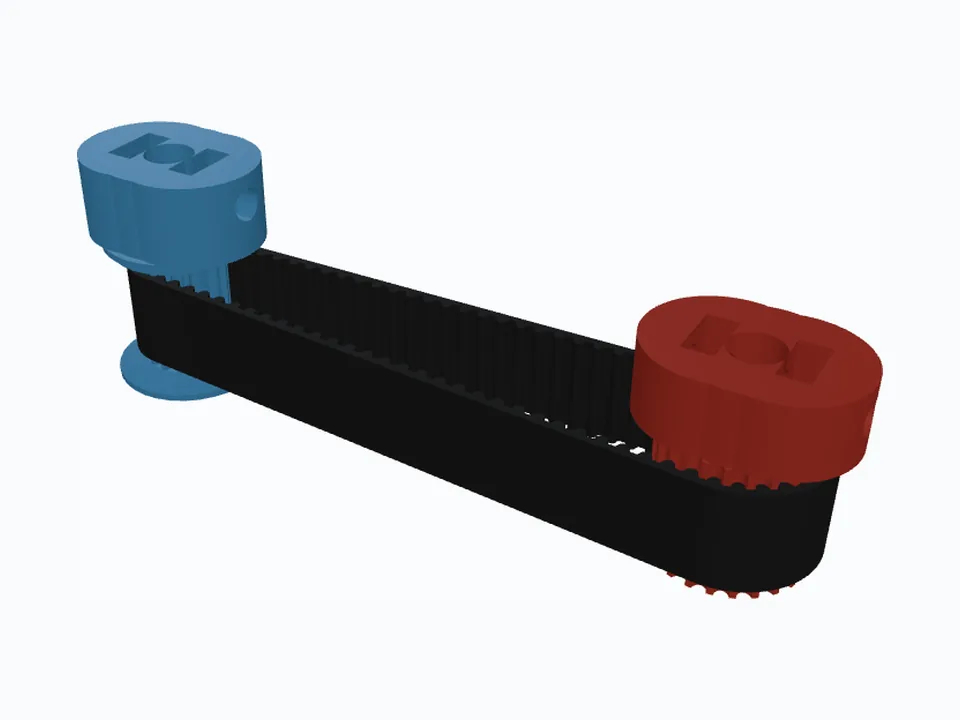
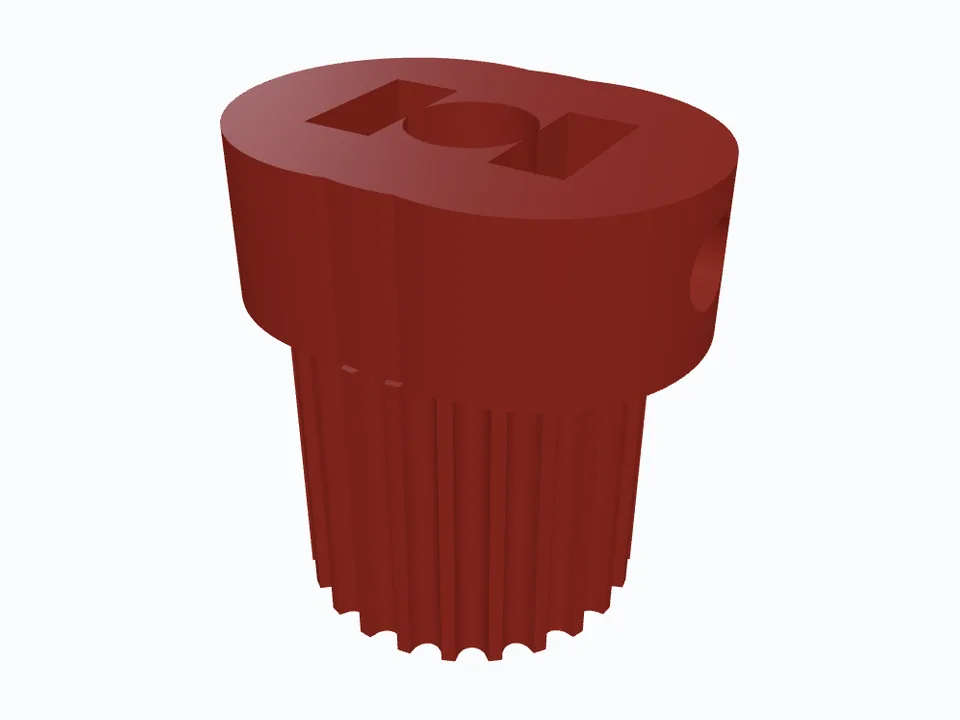
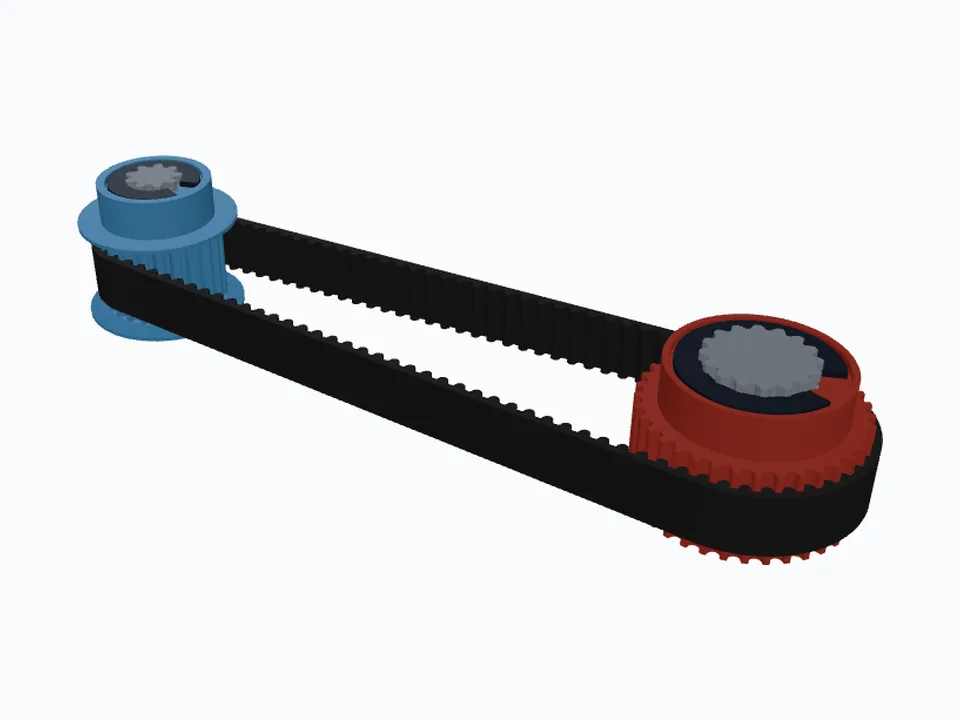
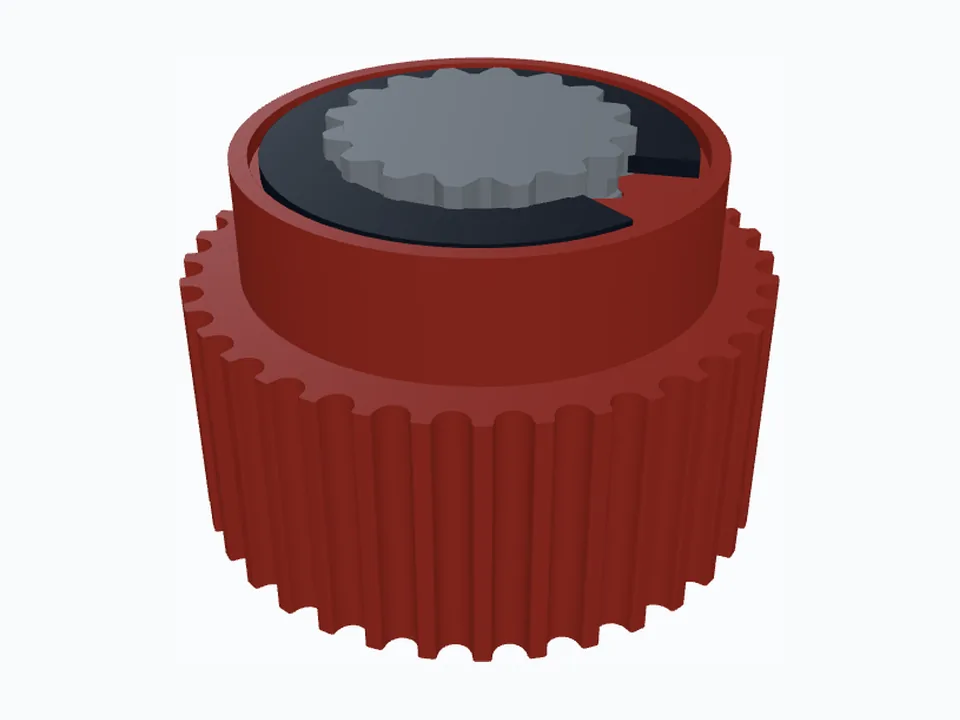
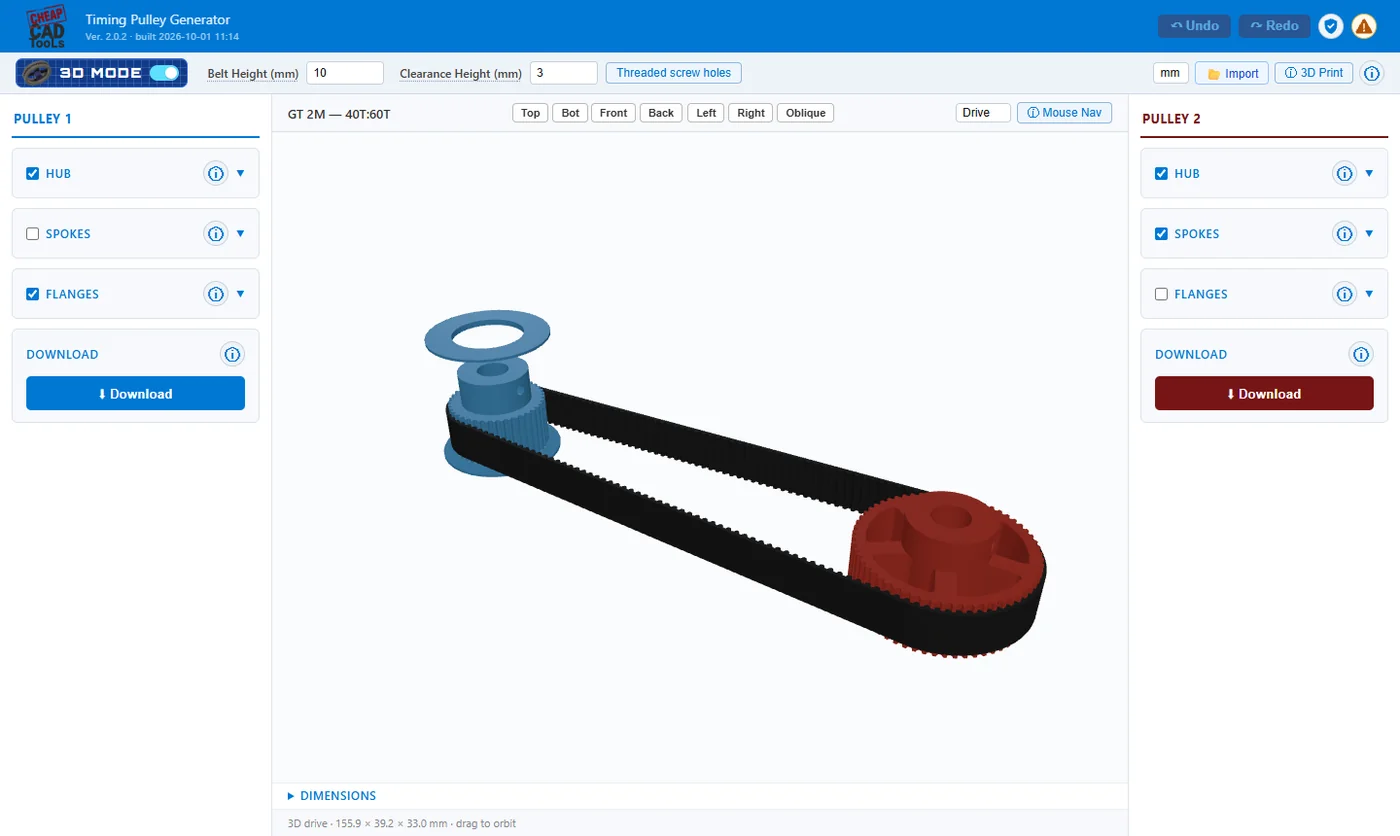
GT2, HTD, T5, AT5, XL, MXL and the rest — set the teeth and bore, add a hub, set screws, spokes or flanges, and download STL, STEP, DXF or SVG. Design a single pulley or a two-pulley drive with its belt.

cheapcadtools.com/tools/pulleys — 3D Mode
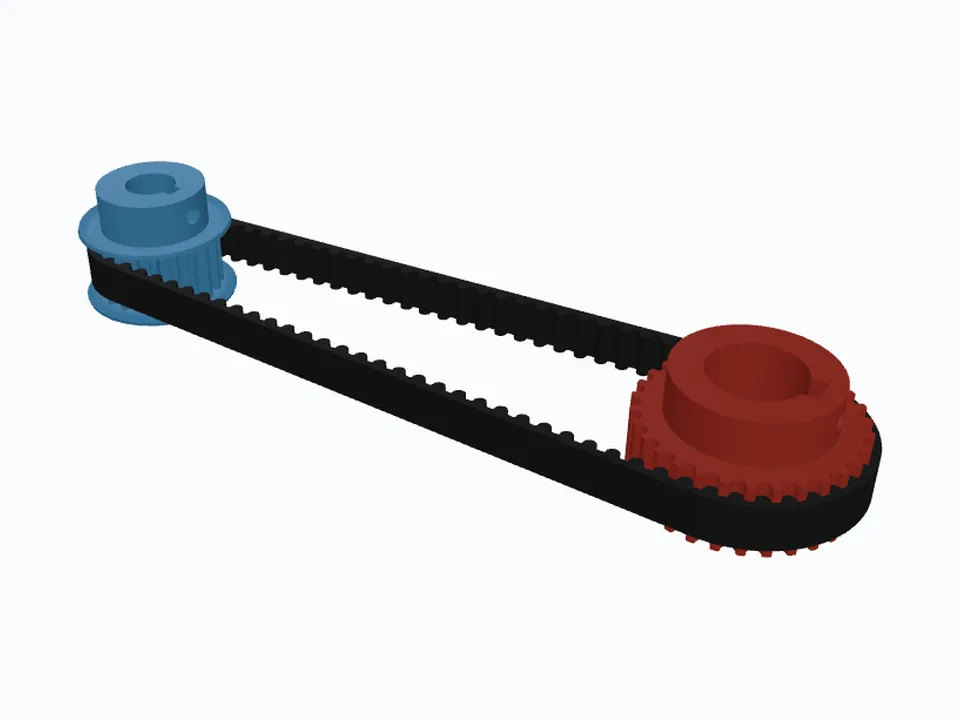
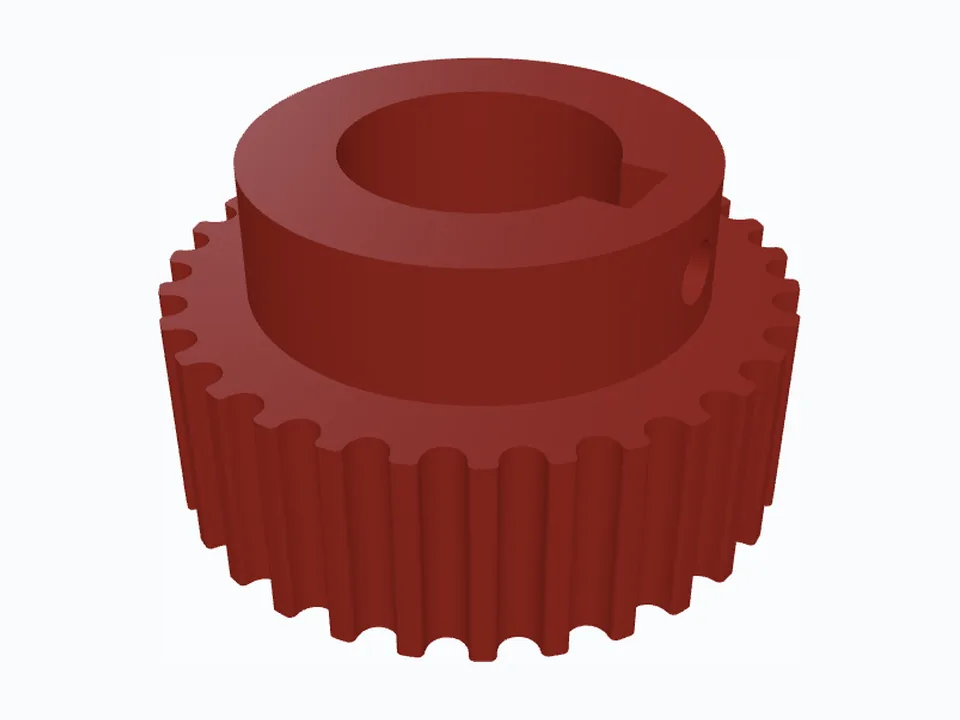
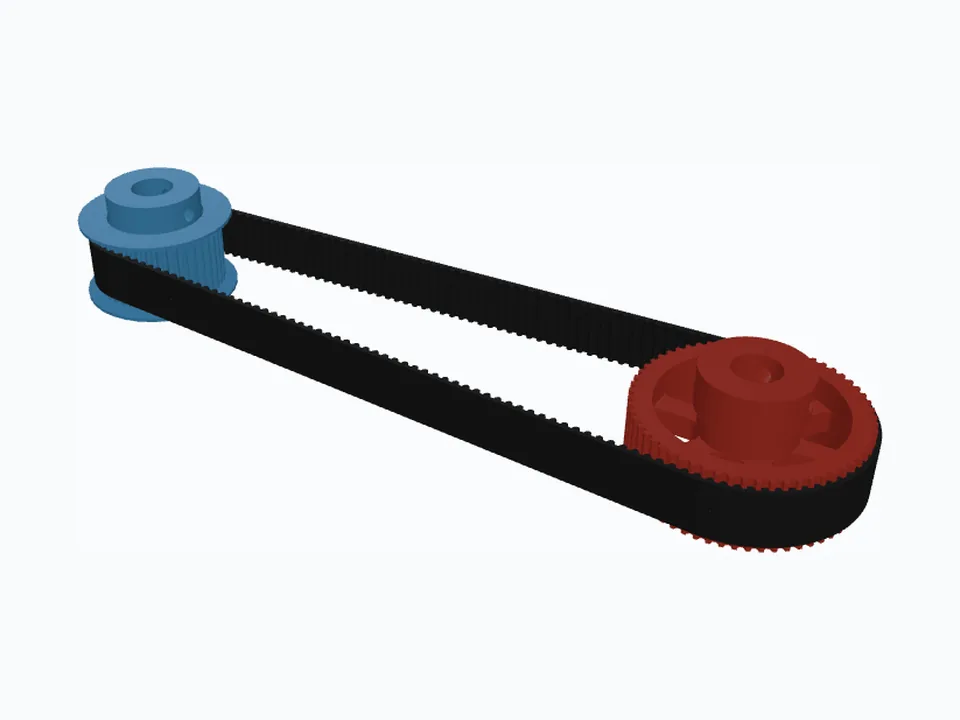
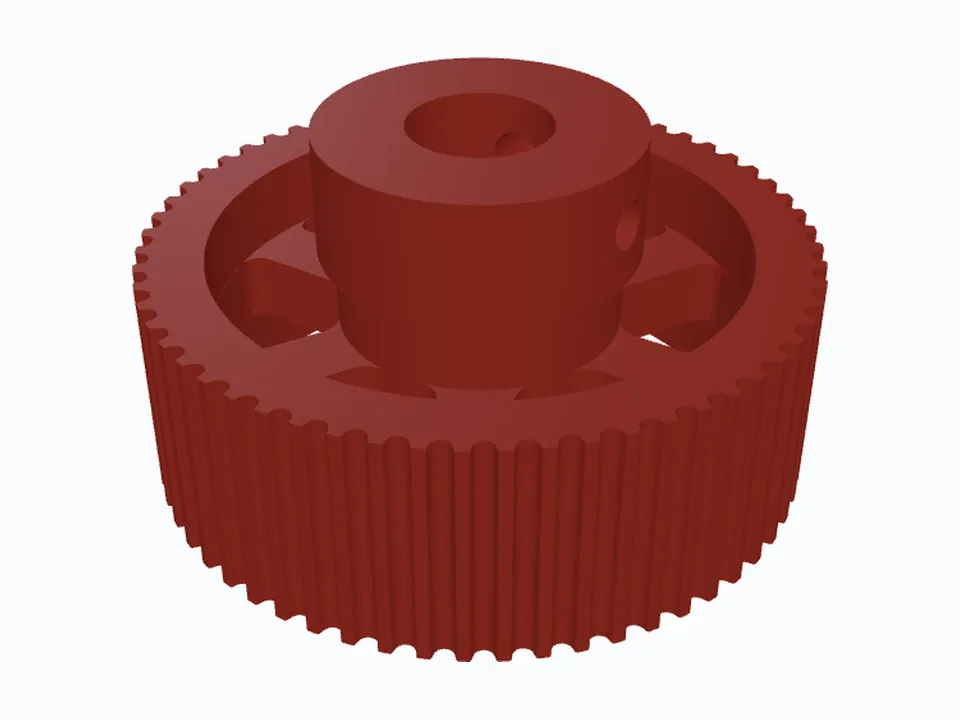
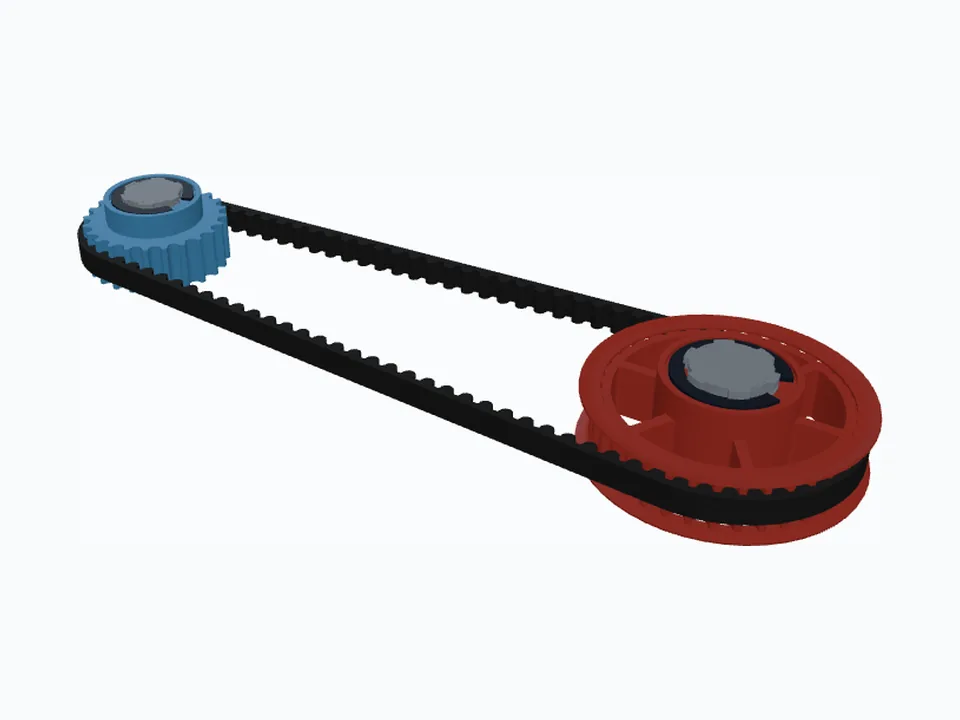
A GT2 timing pulley drive in 3D
What it does

Everything a real pulley needs

38 belt profiles

HTD, GT (GT2/2GT, GT3, GT5), STD S-series, RPP, T and AT, and imperial MXL to XXH.

Two-pulley drive

Centre distance, belt teeth, belt length and ratio, kept consistent as you change any one — with Lock Ratio.

Every bore shape

Round, D-flat, ISO keyway, ISO 14 and ISO 4156 splines, and hex bar — including FRC ½″ and rounded hex — with DIN 471 or inch retaining rings.

Hubs and set screws

Hub size and height, one or two set screws: tapped in the plastic, a captured nut, or a heat-set insert.

Spokes and flanges

Spokes to save material on big pulleys; flanges printed with the pulley or cut from metal plate.

Fit that prints

Tooth clearance and backlash presets, plus print compensation that goes into the STL only.

Checked against the standards

The Dimensions panel warns when a setting breaks a rule, names the source, and offers one-click Auto-fix.

Files you can use

STEP for CAD, STL for printing, DXF and SVG with true arcs — for each pulley and for the belt.

Pick up where you left off

Every file carries its design. Import it, change one thing, download again. Undo, redo, mm or inches.

Belt profiles

Supported belts

Every profile in each family, from the published standards and the belt makers' data.

FamilyPitches
GT (2GT, 3GT, 5GT …)2M (GT2) · 3M (GT3) · 5M · 8M · 14M
HTD3M · 5M · 8M · 14M · 20M
STD / S-seriesS2M · S3M · S5M · S8M · S14M
RPP3M · 5M · 8M · 14M · 20M
T (metric trapezoidal)T2.5 · T5 · T10 · T20
AT (metric trapezoidal)AT3 · AT5 · AT10 · AT20
ImperialMXL · XL · L · H · XH · XXH
Samples

Open a ready-made design

Each opens in the generator with every setting in place. Change the teeth, bore or hub and download.

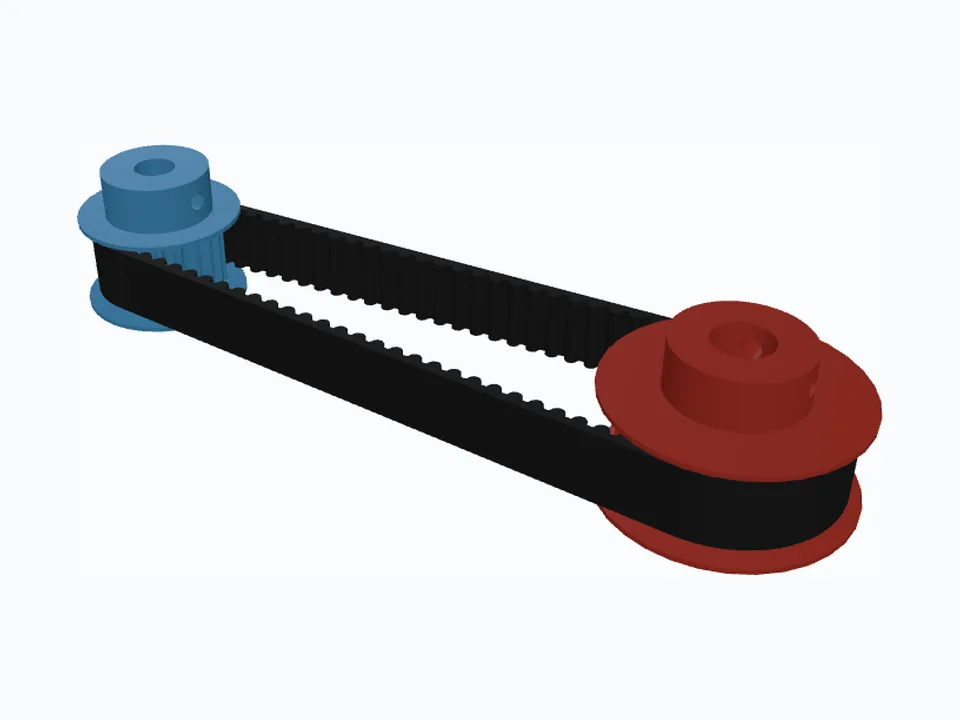
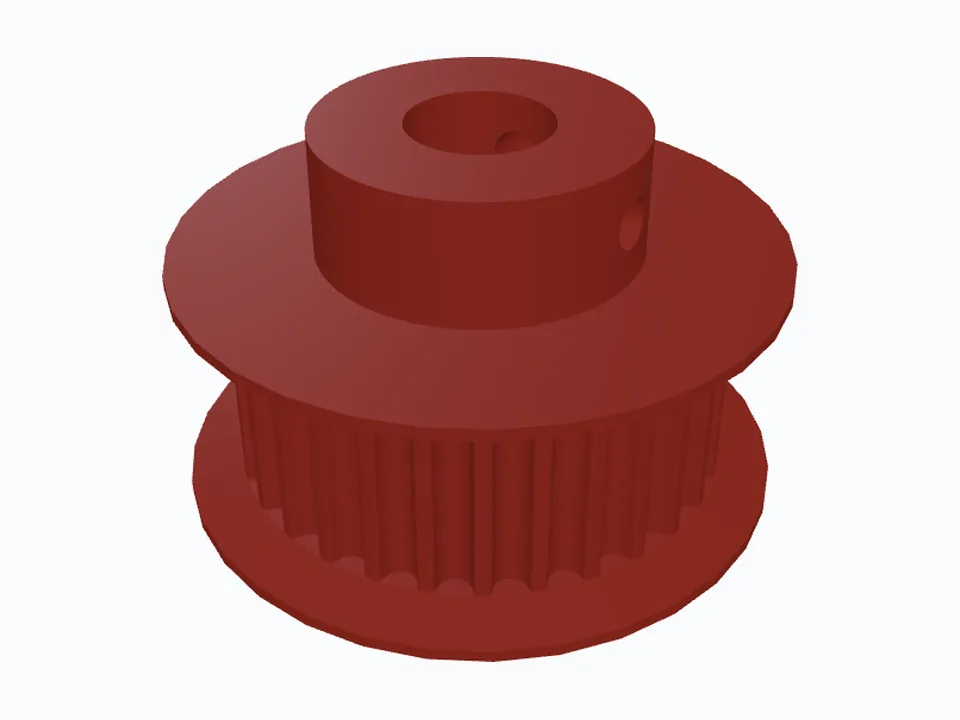
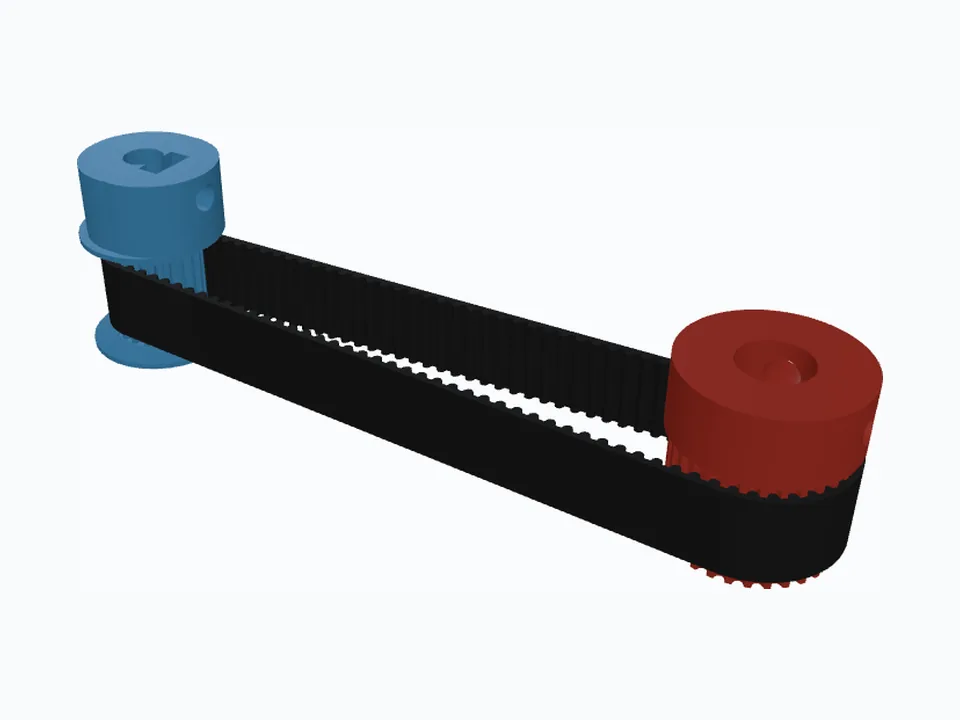
20 : 30 · 1 : 1.5 GT2 20T & 30T, 5 mm D-Flat Stepper Pulley — 3D view

GT2 20T & 30T, 5 mm D-Flat Stepper Pulley

The 3D-printer classic done properly: a D-flat that keys onto the motor shaft, a set screw that bites into a captured nut instead of the plastic, and a 30-tooth partner held by two heat-set inserts.
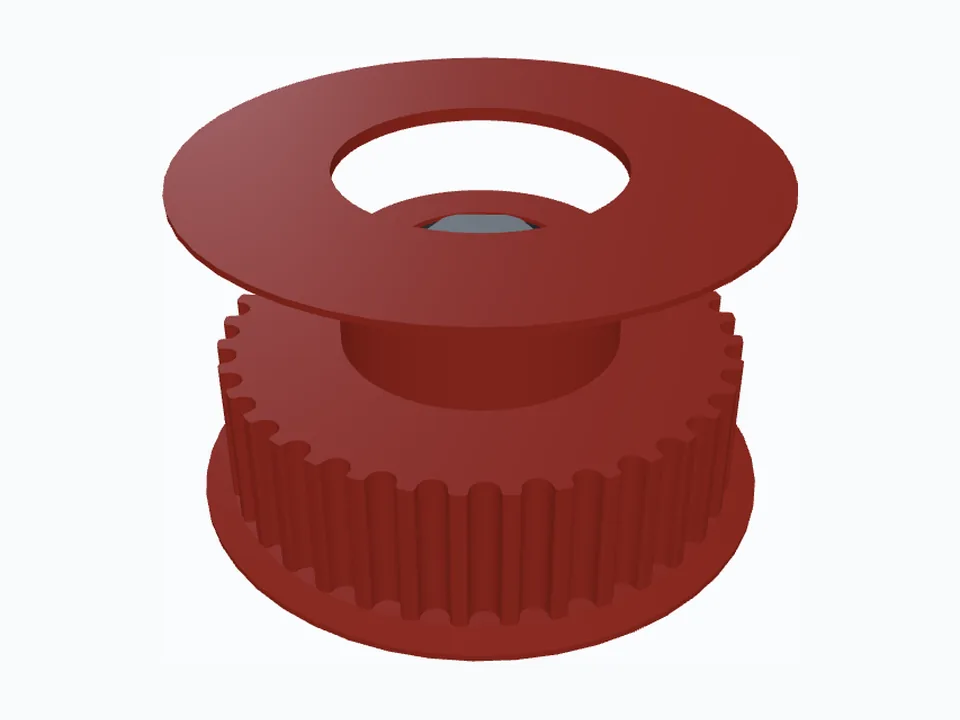
GT2 (2GT)D-flatCaptured nutHeat-set insertFlanges printed in place
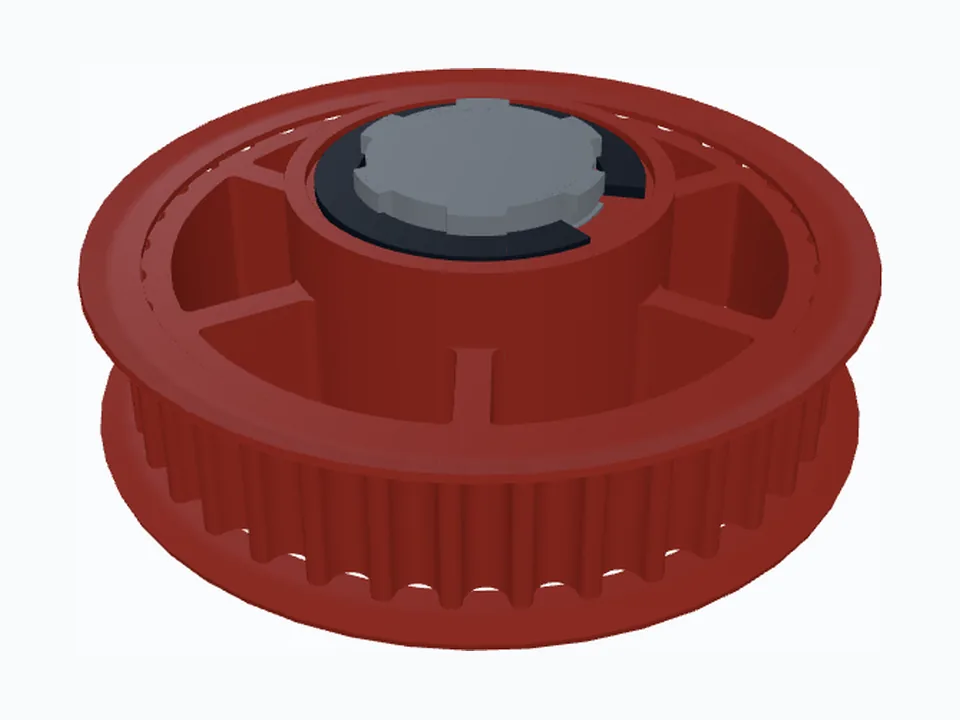
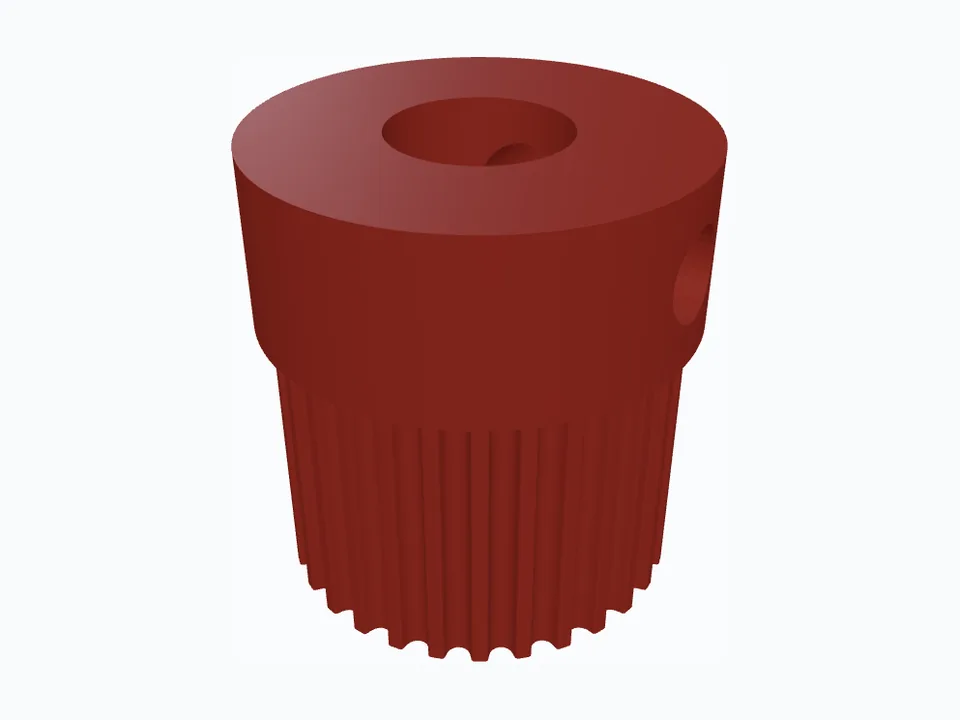
24 : 36 · 1 : 1.5 FRC HTD 5M 24T & 36T, ½" Rounded Hex — 3D view

FRC HTD 5M 24T & 36T, ½" Rounded Hex

Ready for an FRC robot: the bore fits REV ½" rounded hex shaft, with SH-50 retaining-ring grooves on both faces and a splined washer under each ring so nothing walks along the shaft.

HTD 5MRounded hexRetaining ringsSeparate top flange
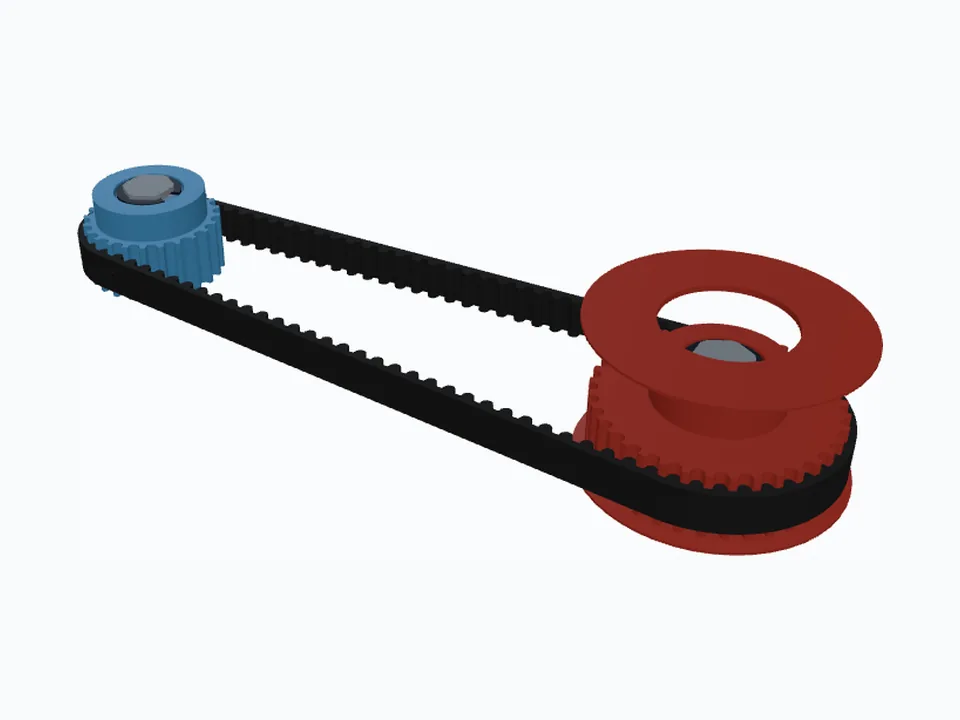
16 : 24 · 1 : 1.5 GT2 16T & 24T, Zero-Backlash Fit — 3D view

GT2 16T & 24T, Zero-Backlash Fit

Tuned for positioning rather than power: tight tooth clearance, no backlash allowance and 0.1 mm of print compensation, so the printed teeth hold the belt without slop.

GT2 (2GT)Captured nutFlanges printed in placeZero backlashPrint compensation

All samples →

Questions

Good to know

Is it free?

Designing is free and needs no account: the 3D view, Dimensions panel and warnings all work without signing in. Downloading a file costs a few tokens, and every new account starts with 20 free ones.

Which file formats can I download?

STEP (true nominal size, for CAD), STL (with your print compensation, for 3D printing), and DXF and SVG (true lines and arcs, for laser cutting, waterjet and CAD sketches) — for each pulley and for the belt.

Will a printed GT2 pulley fit my belt?

The tooth clearance and backlash presets and the print compensation setting are there for exactly that. Start with the standard presets, print one, and adjust the compensation for your printer.

Can it make FRC pulleys with a hex bore?

Yes. Pick Hex bar under Bore shape: ½″ hex, rounded hex and metric sizes, with retaining-ring grooves if you want them. See the FRC HTD 5M sample.

Does it work with Fusion, Onshape or SolidWorks?

Download STEP and import it — every CAD package reads it. Add-ins that import straight into your design are on the way; see CAD integrations.

Can I work in inches?

Yes. The mm / in switch changes every entry and readout; imperial belts and bores are built in.

Open the generator and make your pulley

Opening the tool…
The first load can take a few seconds.