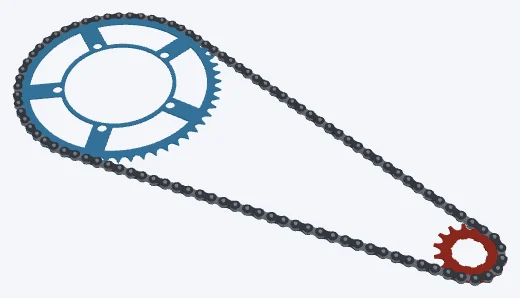
50 : 15
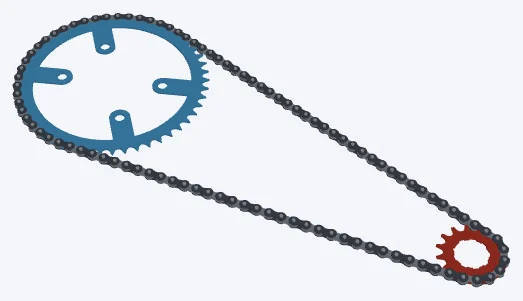

50 × 15 · compact big ring
Road 50/34 · 11-28, big ring
Bolt tabs on Shimano's 110 × 4, in a cruising gear.
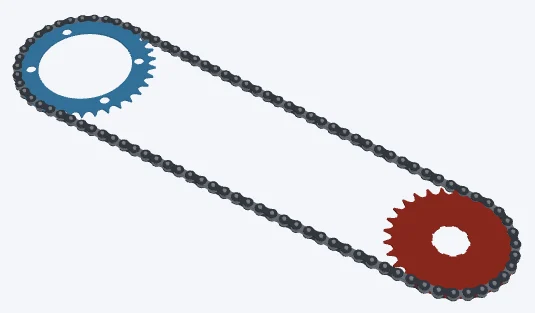
The inner ring on the 11-28's biggest cog.
Using the CheapCAD Tools connector, design a two-sprocket drive in Sprocket Designer on 11sp (11-speed bicycle) roller chain, about 410 mm between centres. Sprocket 1: 34 teeth, a chainring; a 110 mm bolt circle (BCD) with 4 bolts in the shimano pattern; a 95.8 mm centre opening; no tooth chamfer. Sprocket 2: 28 teeth, a cog; an ISO 14 straight-sided spline bore: 9 splines, minor diameter 32.5 mm, major 34.75 mm, width 6.25 mm, one key slot 3.25 mm wide (the Shimano HG cassette spline); no tooth chamfer. Check the design, apply any Auto-fix it suggests, then export both sprockets as STL and give me the download link.
Paste it into Claude, ChatGPT or any AI app with the CheapCAD Tools connector, and it designs this drive with you, checks it and hands you the files. How to connect your AI.
The link opens both sprockets and the chain in the Sprocket Designer's 3D Mode. Change the teeth, bore, hub or spokes, then download STL, STEP, DXF or SVG. Strength figures are the app's plane-stress check of each sprocket in the material it names; SF is the safety factor.
Road 50/34 · 11-28, big ring
Bolt tabs on Shimano's 110 × 4, in a cruising gear.
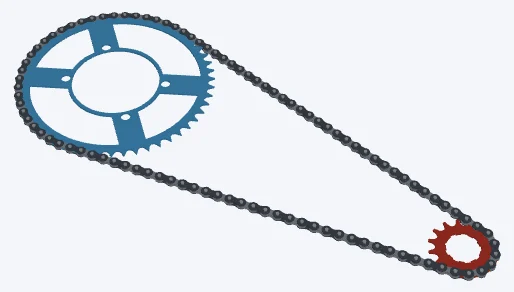

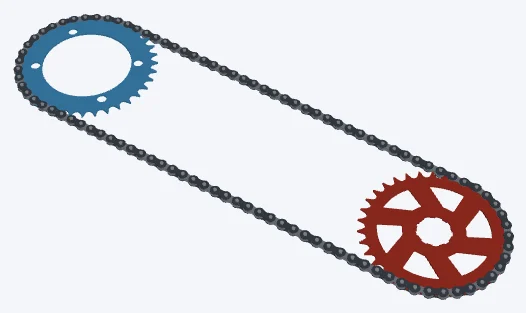

Road 52/36 · 11-34, lowest gear
The inner ring on an 11-34's 34T cog, six tapered spokes at a 12° offset.