
18 in 72
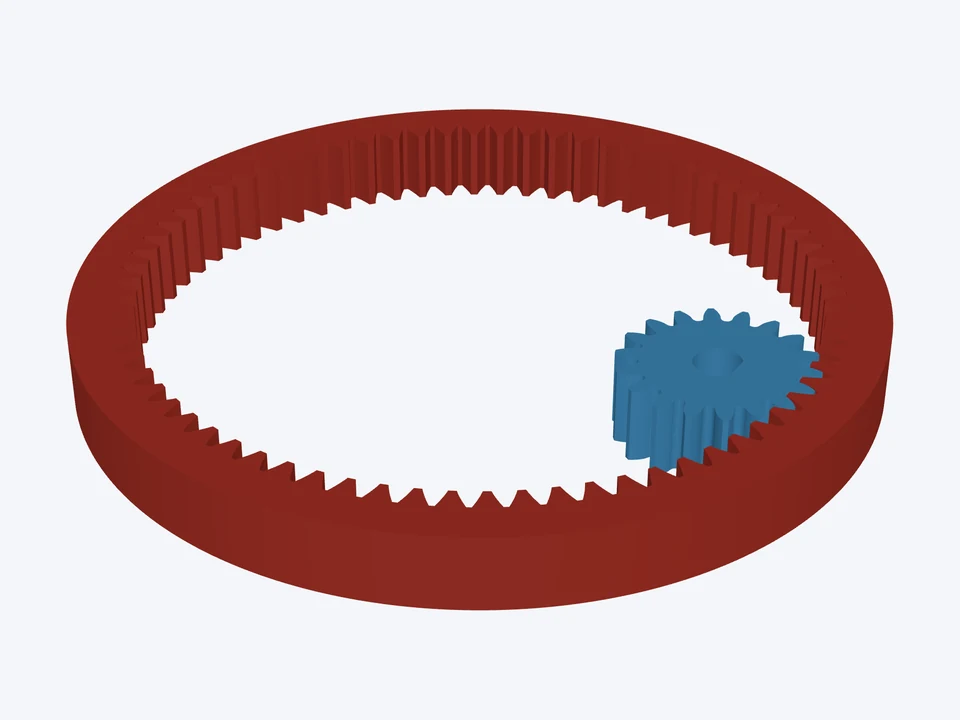

18T in a 72T ring · 4 : 1
module 1 · 20°
An internal (ring) gear and its pinion: compact, both turning the same way.
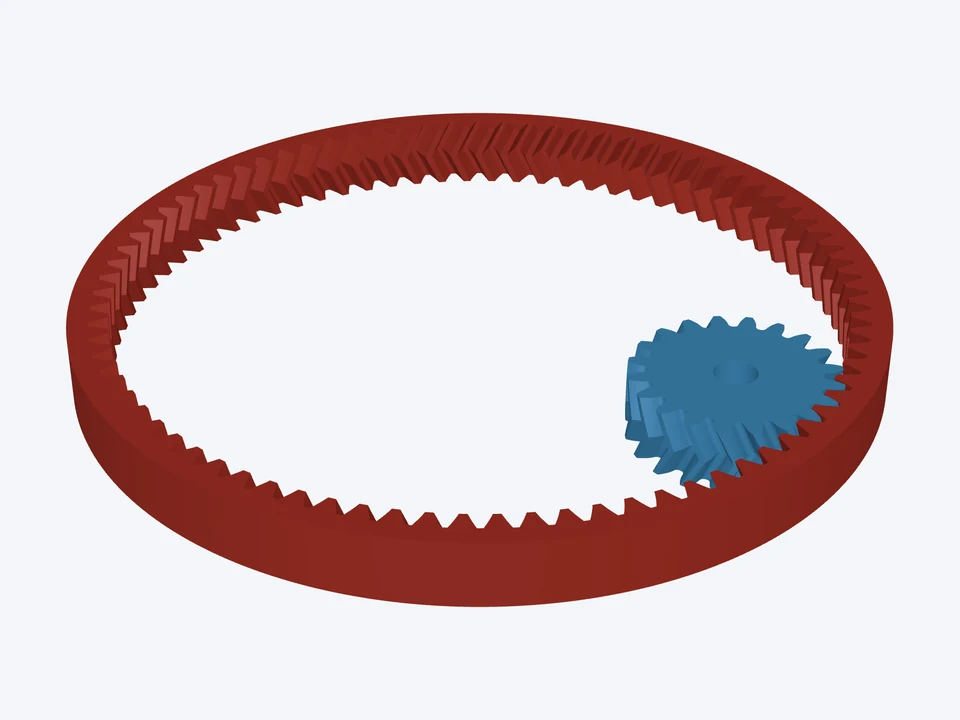
A herringbone ring gear and pinion: no axial thrust, 4 : 1.
Using the CheapCAD Tools connector, design a pinion and ring gear drive in Gear Designer: module 2 mm, herringbone, helix angle 25°, face width 16 mm. Gear 1: 20 teeth, a 10 mm bore. Gear 2: 80 teeth, an internal (ring) gear, profile shift x = -0.1, rim outside diameter 192 mm. Check the design, apply any Auto-fix it suggests, then export both gears as STL and give me the download link.
Paste it into Claude, ChatGPT or any AI app with the CheapCAD Tools connector, and it designs this gear set with you, checks it and hands you the files. How to connect your AI.
The link opens both parts in the Gear Designer's 3D Mode. Change the teeth, module or pitch, bore, hub or spokes, then download STL, STEP, DXF or SVG.
module 1 · 20°
An internal (ring) gear and its pinion: compact, both turning the same way.
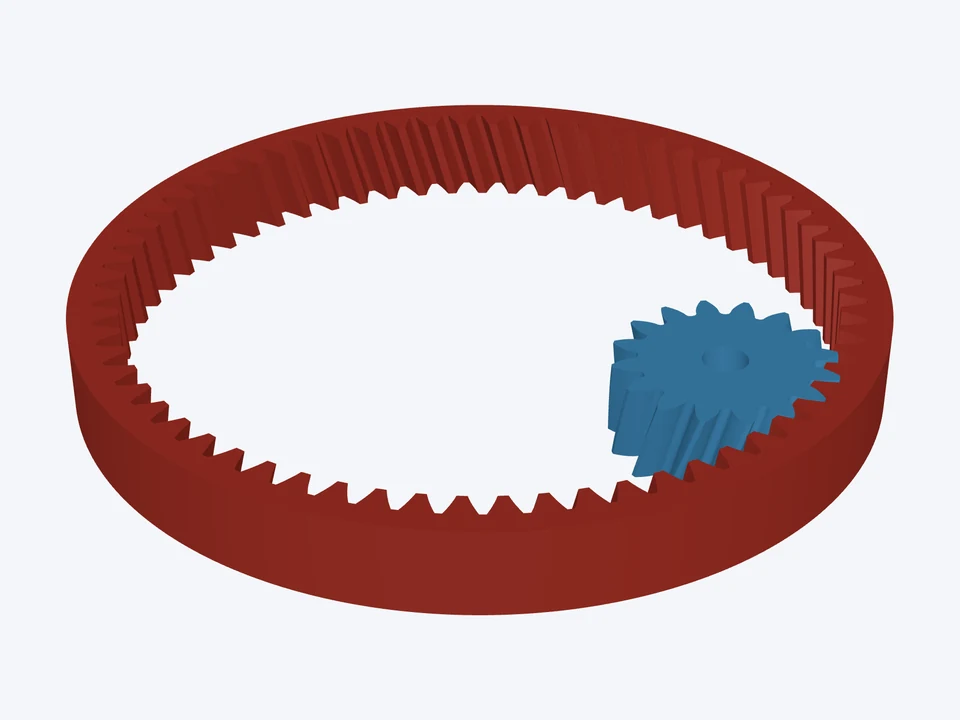

module 1.5 · 20° · helical 15°
A helical ring gear: the pinion and the ring share one hand.
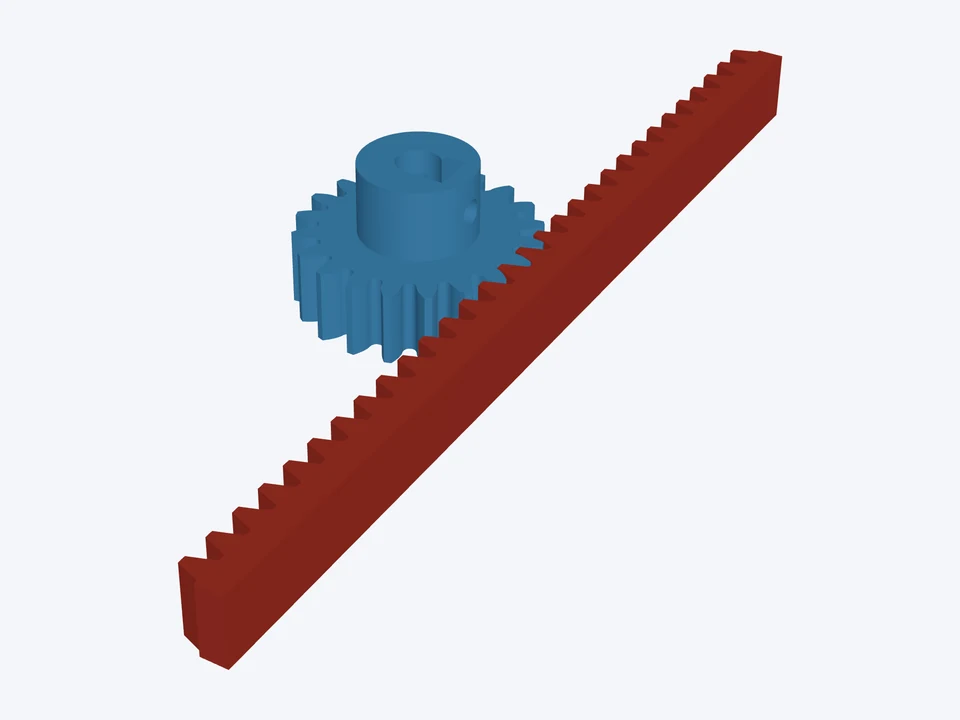

module 1.5 · 20°
A linear drive: a module 1.5 rack, 94 mm of travel per pinion turn.
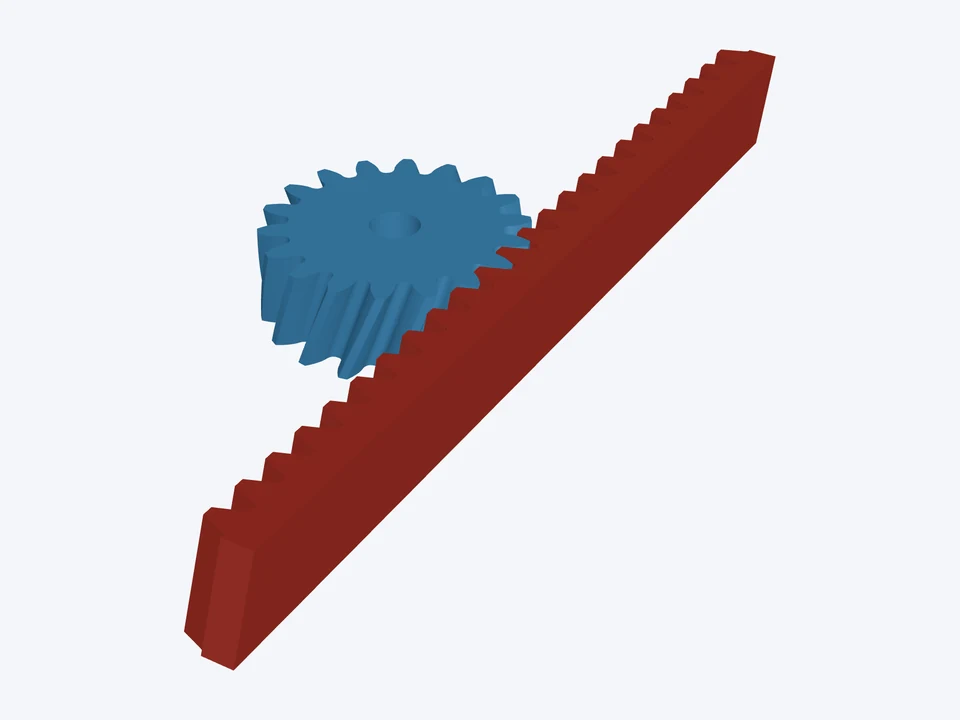

module 2 · 20° · helical 20°
A helical rack and pinion: smoother and quieter linear motion, the teeth leaning 20°.