
24 : 96
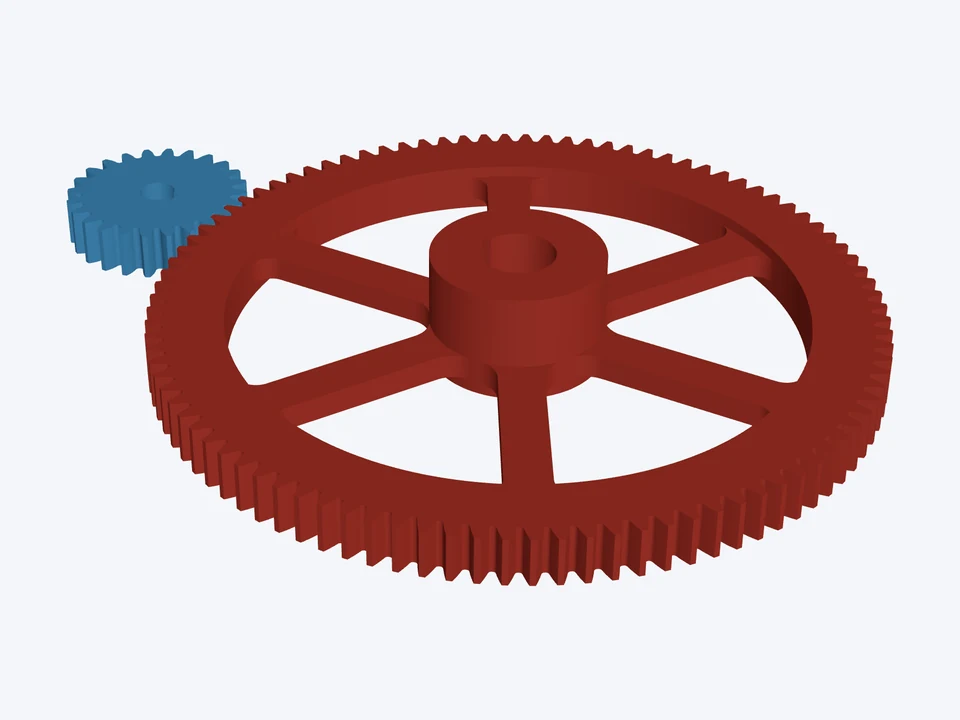

24T : 96T · 4 : 1, a 294 mm spoked gear
module 3 · 20°
A big six-spoke module 3 gear: a wide rim, a thinned web and a keyed hub with a set screw.
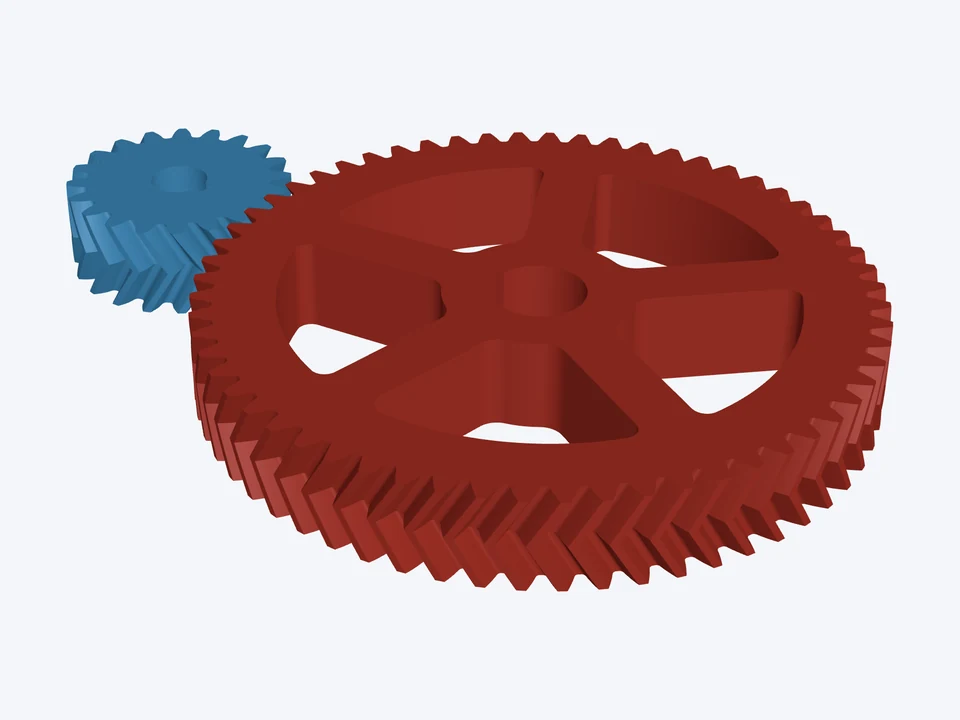
A heavy herringbone set, 3 : 1, the 285 mm gear spoked.
Using the CheapCAD Tools connector, design a two-gear drive in Gear Designer: module 4 mm, herringbone, helix angle 30°, face width 40 mm. Gear 1: 20 teeth, a 25 mm bore with a keyway 8 mm wide and 3.3 mm deep. Gear 2: 60 teeth, a 40 mm bore with a keyway 12 mm wide and 3.3 mm deep, spokes: 5 of them, Hub OD 80 mm, Width 24 mm, Rim Depth 26 mm, Fillets 6 mm at the rim and 10 mm at the hub. Check the design, apply any Auto-fix it suggests, then export both gears as STL and give me the download link.
Paste it into Claude, ChatGPT or any AI app with the CheapCAD Tools connector, and it designs this gear set with you, checks it and hands you the files. How to connect your AI.
The link opens both parts in the Gear Designer's 3D Mode. Change the teeth, module or pitch, bore, hub or spokes, then download STL, STEP, DXF or SVG.
module 3 · 20°
A big six-spoke module 3 gear: a wide rim, a thinned web and a keyed hub with a set screw.

20 DP · 20°
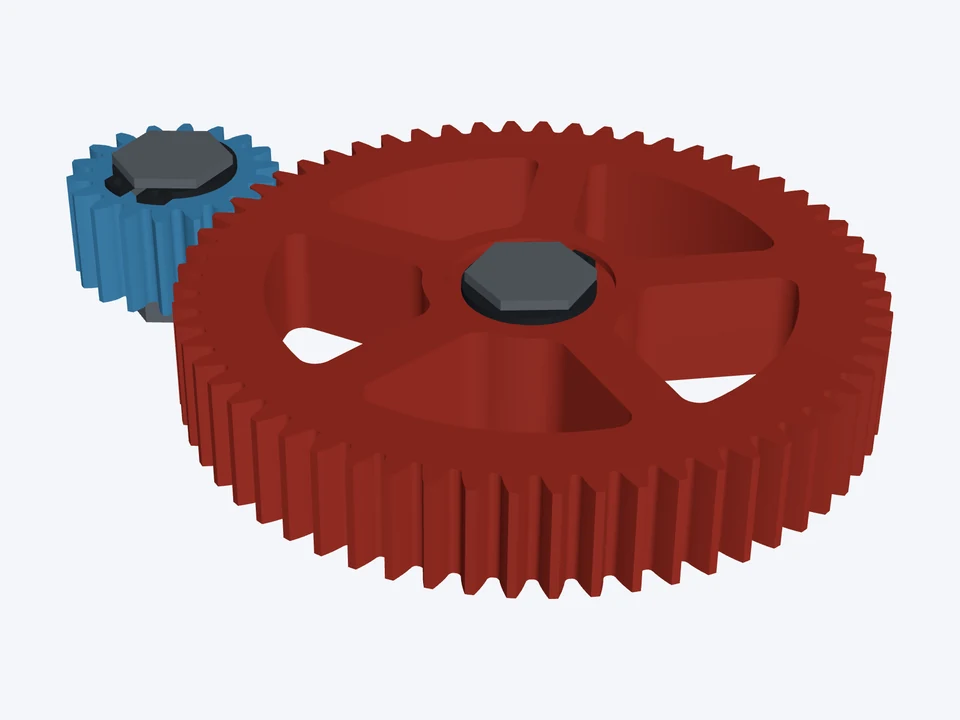
A 3.33 : 1 robot gearbox stage: 20 DP gears on ½" hex shafts, held by retaining rings.

20 DP · 20°
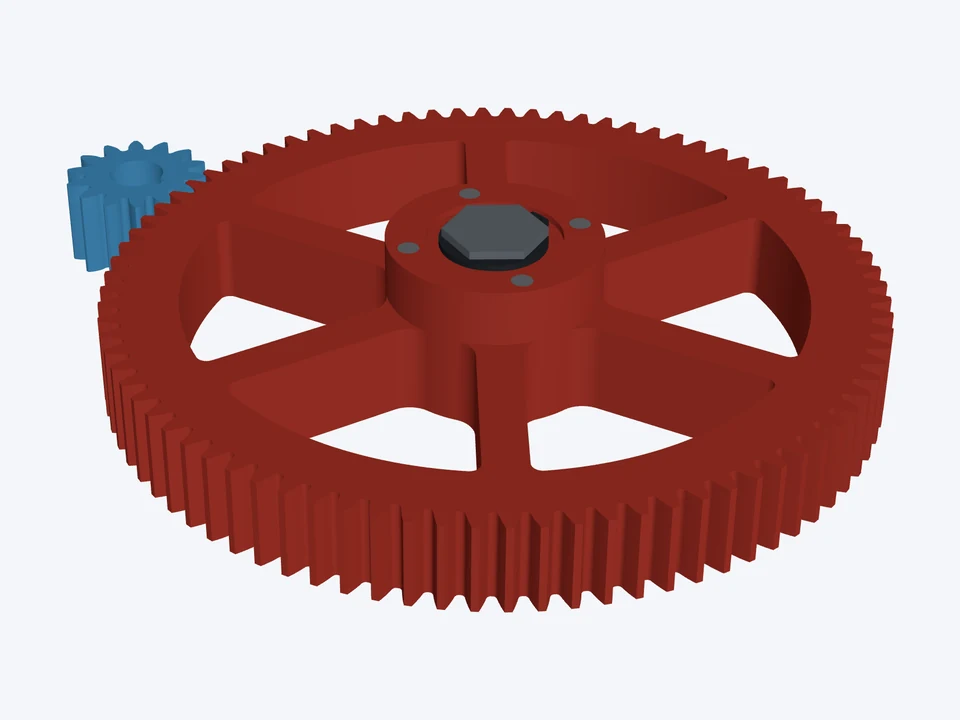
A 6 : 1 arm reduction: a pinion on an 8 mm keyed motor shaft into an 84-tooth, six-spoke gear on ½" hex.
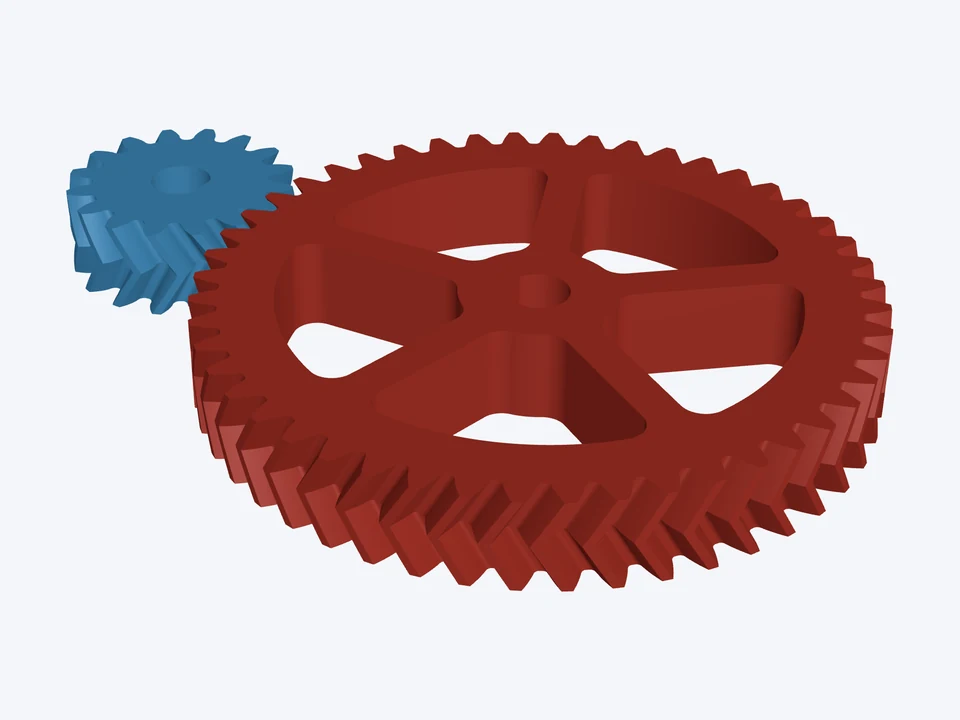

module 1.5 · 20° · herringbone 30°
Quiet, thrust-free herringbone gears for a robot joint: 3 : 1 on 8 mm D-flat shafts.