
20 : 60
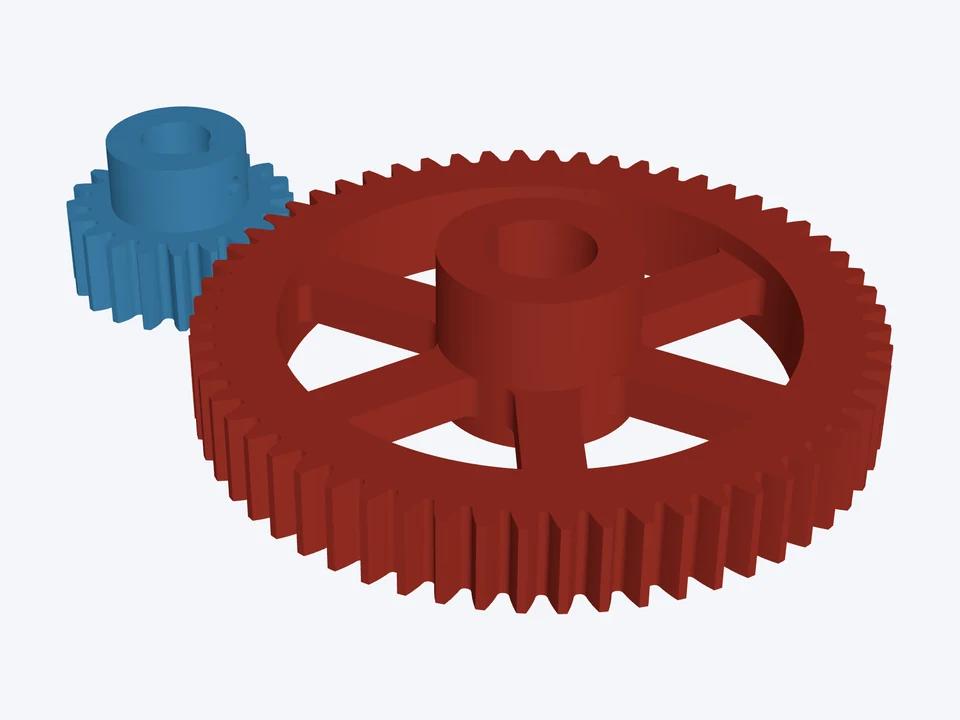

20T : 60T · module 3, keyed
module 3 · 20°
A 3 : 1 module 3 spur pair on DIN 6885 keyed shafts, a hub on each gear.
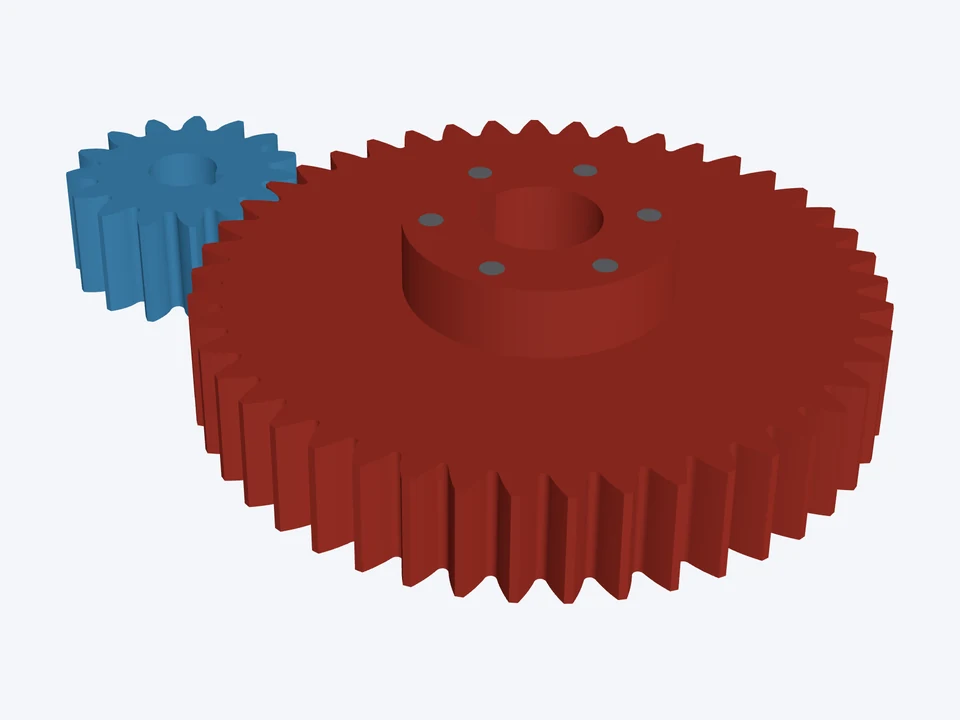
25° teeth: stronger roots and a 15-tooth pinion that needs no profile shift.
Using the CheapCAD Tools connector, design a two-gear drive in Gear Designer: module 3 mm, 25° pressure angle, face width 24 mm. Gear 1: 15 teeth, a 15 mm bore with a keyway 5 mm wide and 2.3 mm deep. Gear 2: 45 teeth, a 25 mm bore with a keyway 8 mm wide and 3.3 mm deep, a hub on one face, Hub OD 55 mm, Hub Height 15 mm, 6 hub pins of 5 mm. Check the design, apply any Auto-fix it suggests, then export both gears as STL and give me the download link.
Paste it into Claude, ChatGPT or any AI app with the CheapCAD Tools connector, and it designs this gear set with you, checks it and hands you the files. How to connect your AI.
The link opens both parts in the Gear Designer's 3D Mode. Change the teeth, module or pitch, bore, hub or spokes, then download STL, STEP, DXF or SVG.
module 3 · 20°
A 3 : 1 module 3 spur pair on DIN 6885 keyed shafts, a hub on each gear.
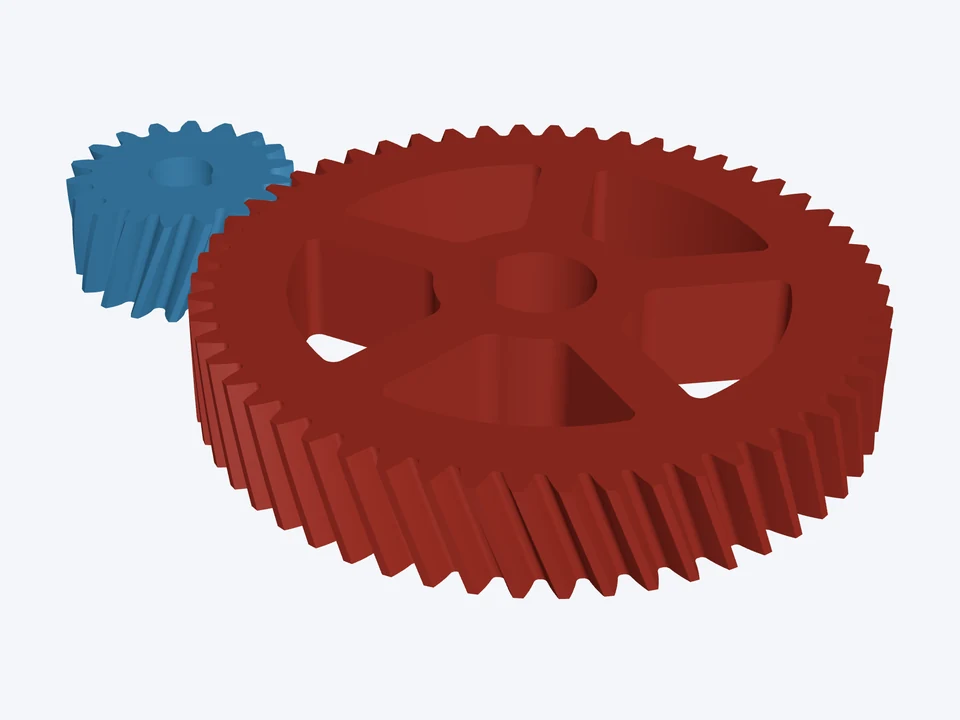

module 2 · 20° · helical 20°
A quiet 3 : 1 helical pair, 20° helix, keyed bores; the teeth overlap for a smooth mesh.
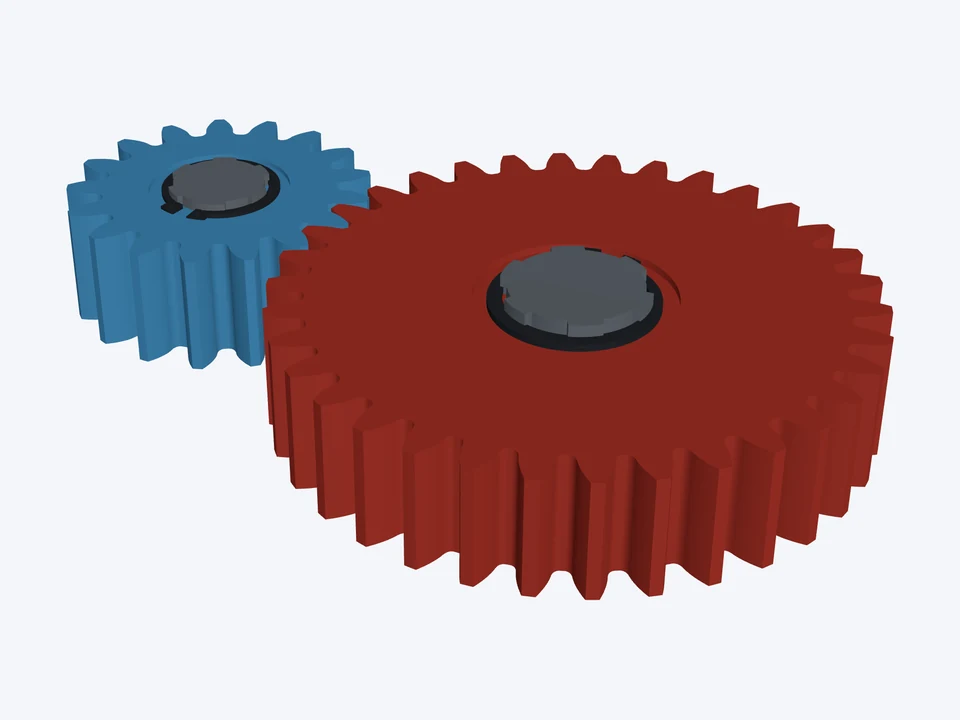

module 4 · 20° · ISO 53 rack B
A high-torque module 4 pair on ISO 14 splined shafts, cut to ISO 53 basic rack B.
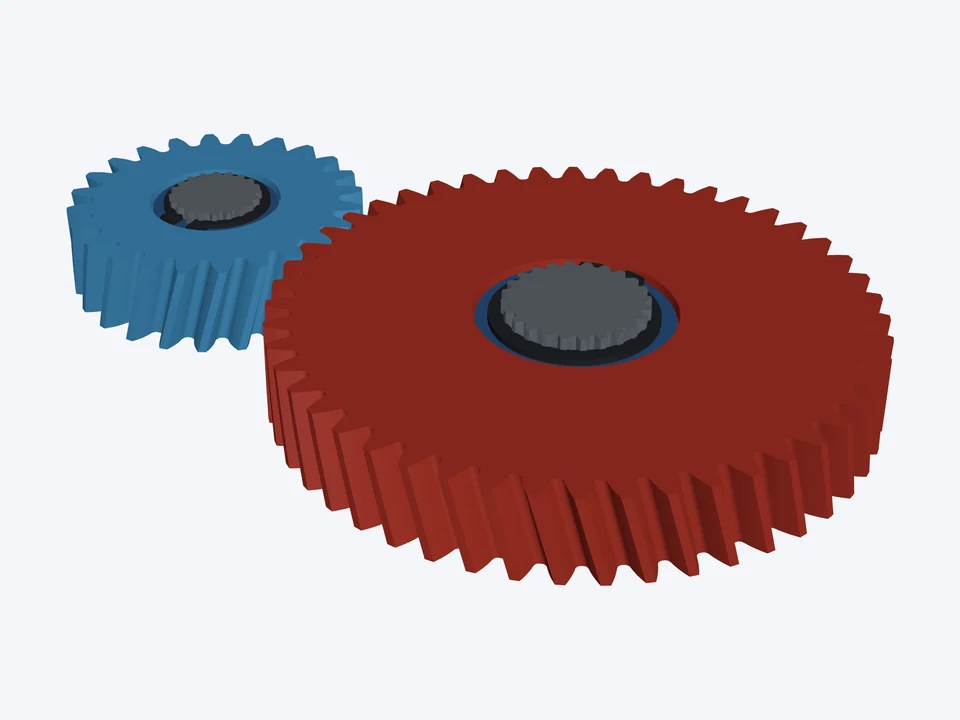

module 2.5 · 20° · helical 15°
A 2 : 1 helical pair on involute (ISO 4156) splines, retaining rings over splined washers.